
Power-Ups
This is not another homepage. These are additional and alternative sections designed for when your website or message needs more flexibility.
Copy any section, paste it into your page, and customize it as needed. Add only what supports your goal. Skip the rest. Nothing breaks the original structure. Need more sections? Request them here.

Built to replace tool stacks

All-in-one workspace


Real-time collaboration
Built-in prototyping
Easy setup

Clean handoff
No plugin dependency
Simple, focused interface
“We built Draftr to remove friction. Fewer tools, clearer workflows, faster decisions.”

Ethan Walker, CEO & Founder
New Feature
Auto layout is here, along with improvements to alignment and structure.
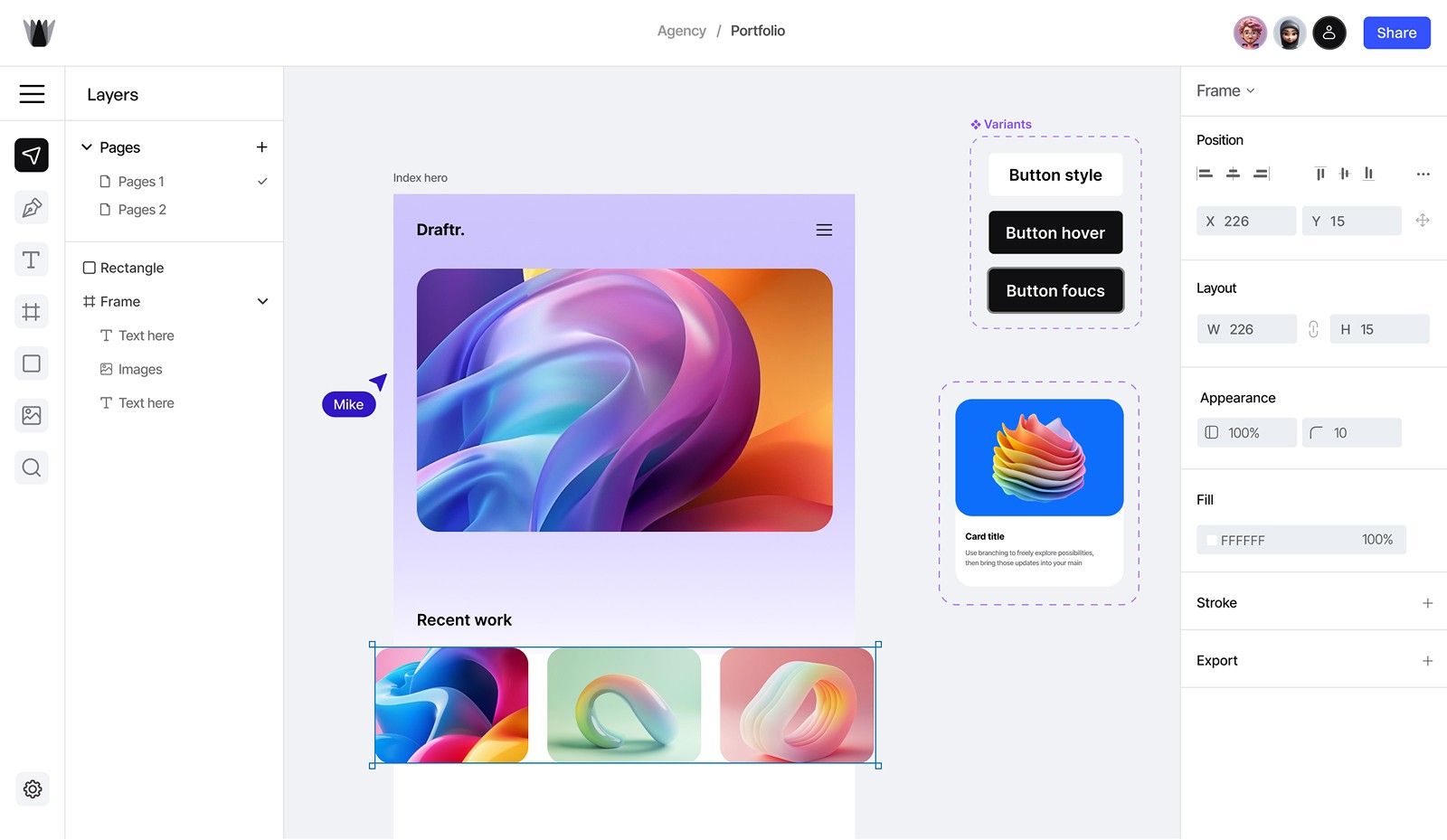
How draftr works
See how Draftr helps teams create, collaborate, and ship in one smooth flow.
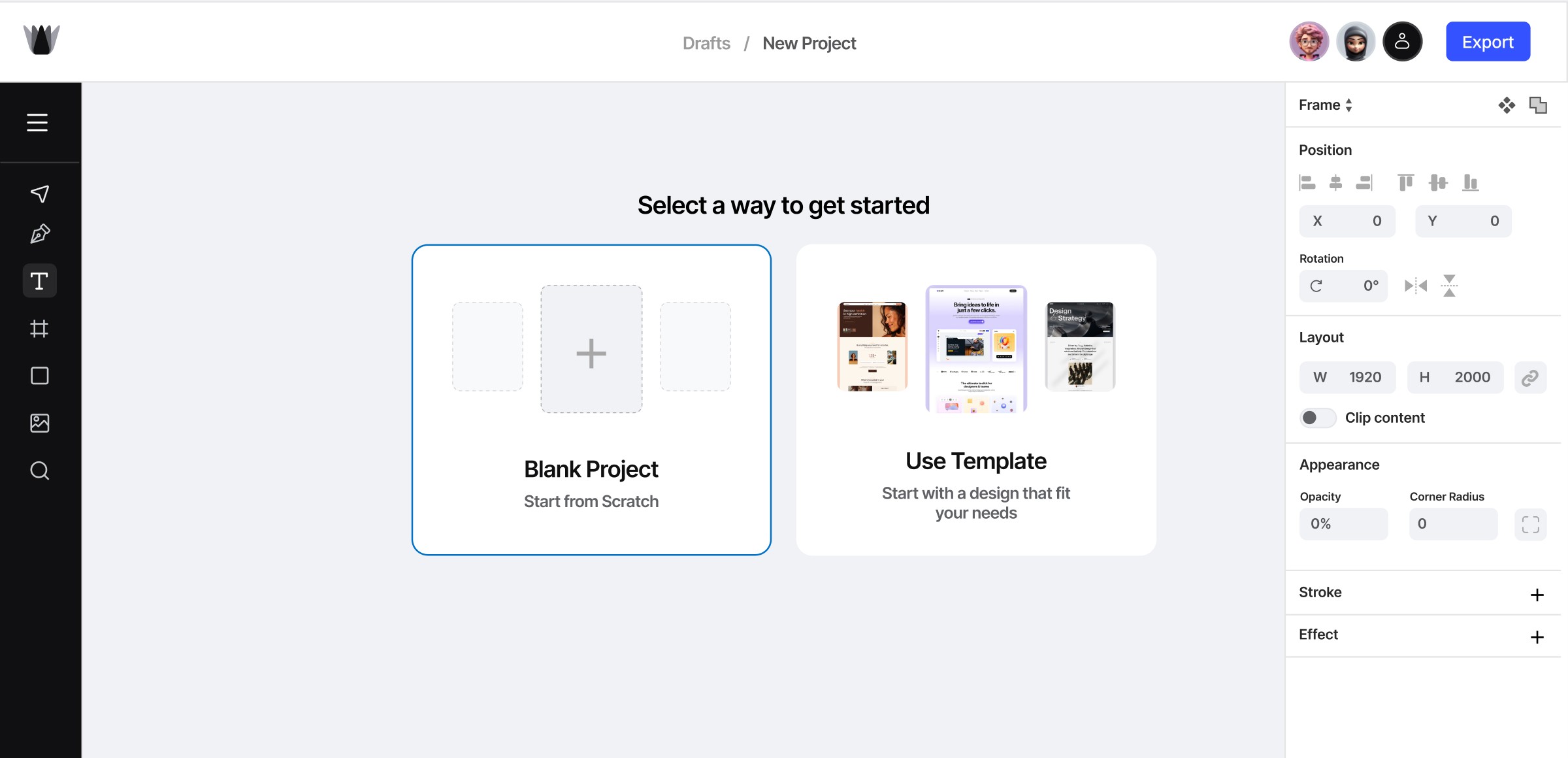

01
Create a new design or import files with just a click. Set up your workspace effortlessly.
02
Use our intuitive drag-and-drop editor, smart tools stunning designs.effortlessly.
03
Easily integrate with your favorite tools to launch your project effortlessly.
The ultimate toolkit for designers & teams
Everything you need to create, prototype, and collaborate—all in a single, easy-to-use platform.

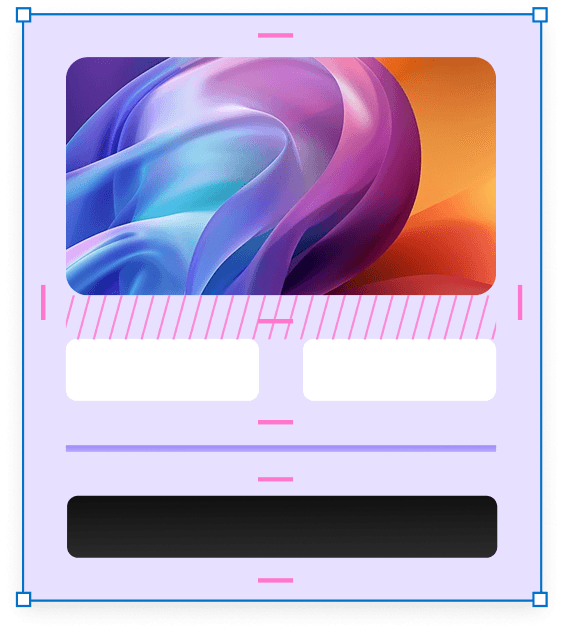
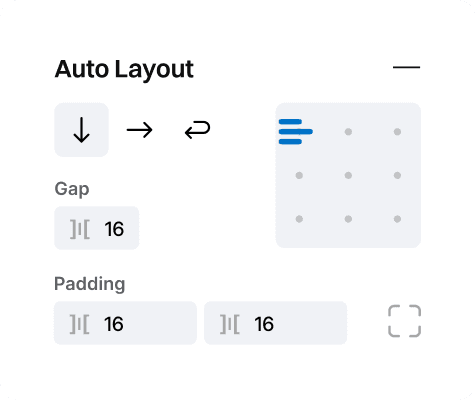

Auto layout
Spacing and alignment automatically adapt as content changes, ensuring layouts remain clean, consistent, and visually balanced without any manual adjustments.

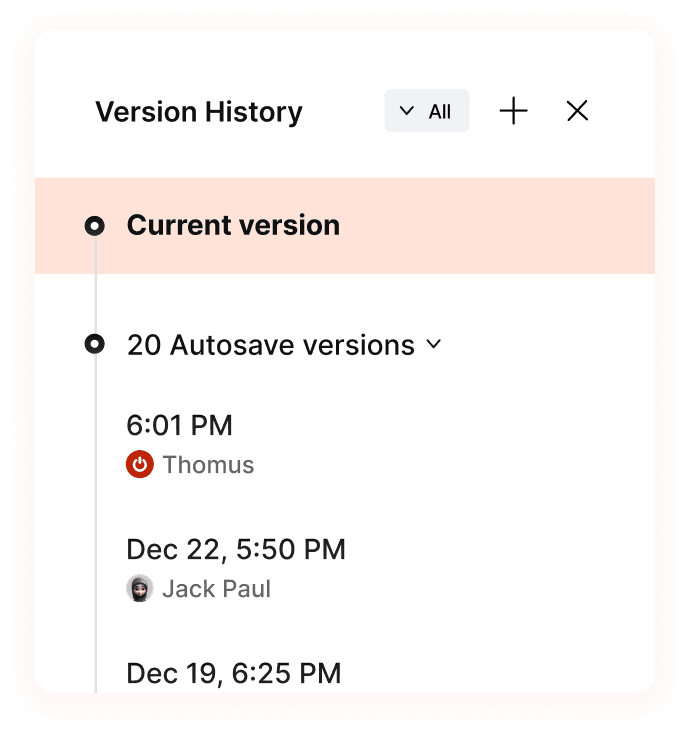
Version history
Compare versions, restore past work, and clearly understand what changed without guessing.
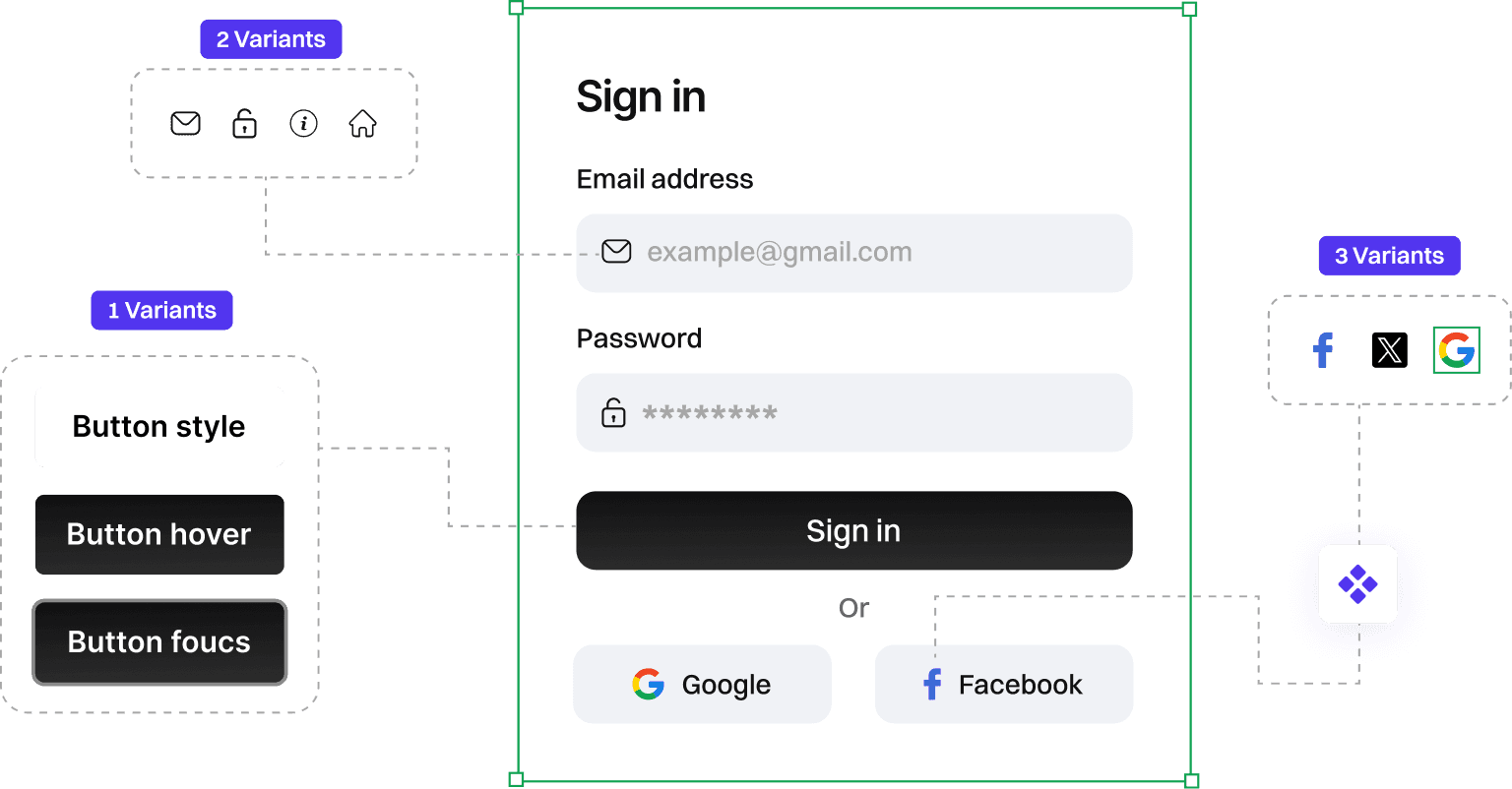
Reusable components
Create shared components and keep designs consistent across projects automatically.

1 update syncs across all screens
Up to 40% faster UI updates
Fewer layout inconsistencies as designs scale


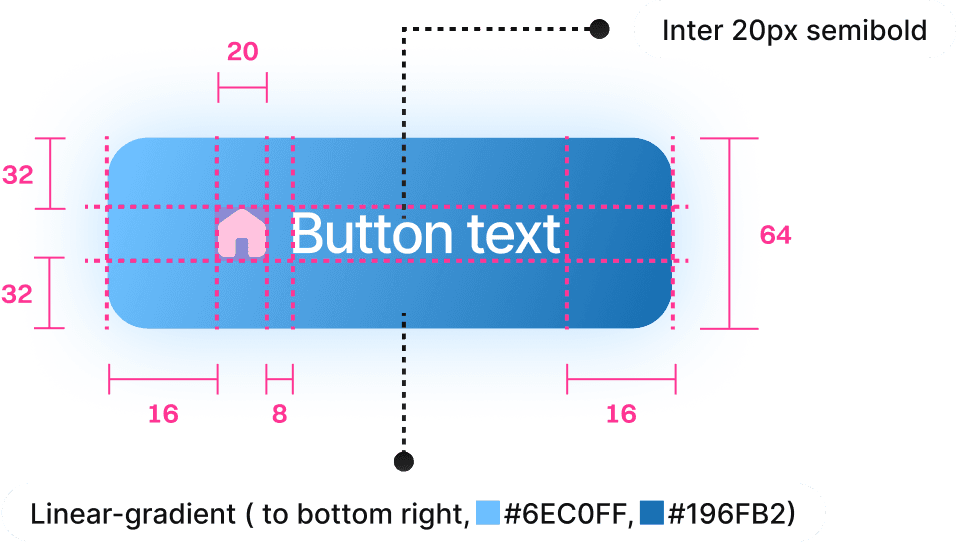
Developer handoff
Share complete design details, assets, and layout structure so developers can build accurately without unnecessary back-and-forth.

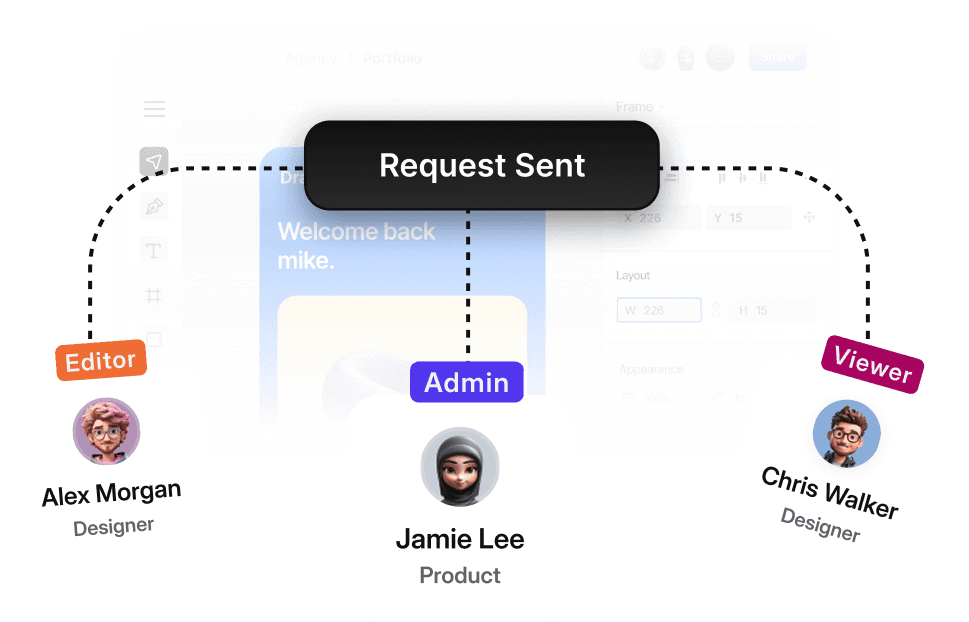
Team permissions
Control who can view, edit, or review work with clear permissions that keep collaboration simple and efficient across teams.


New
AI-powered assistance
AI Layout optimizer
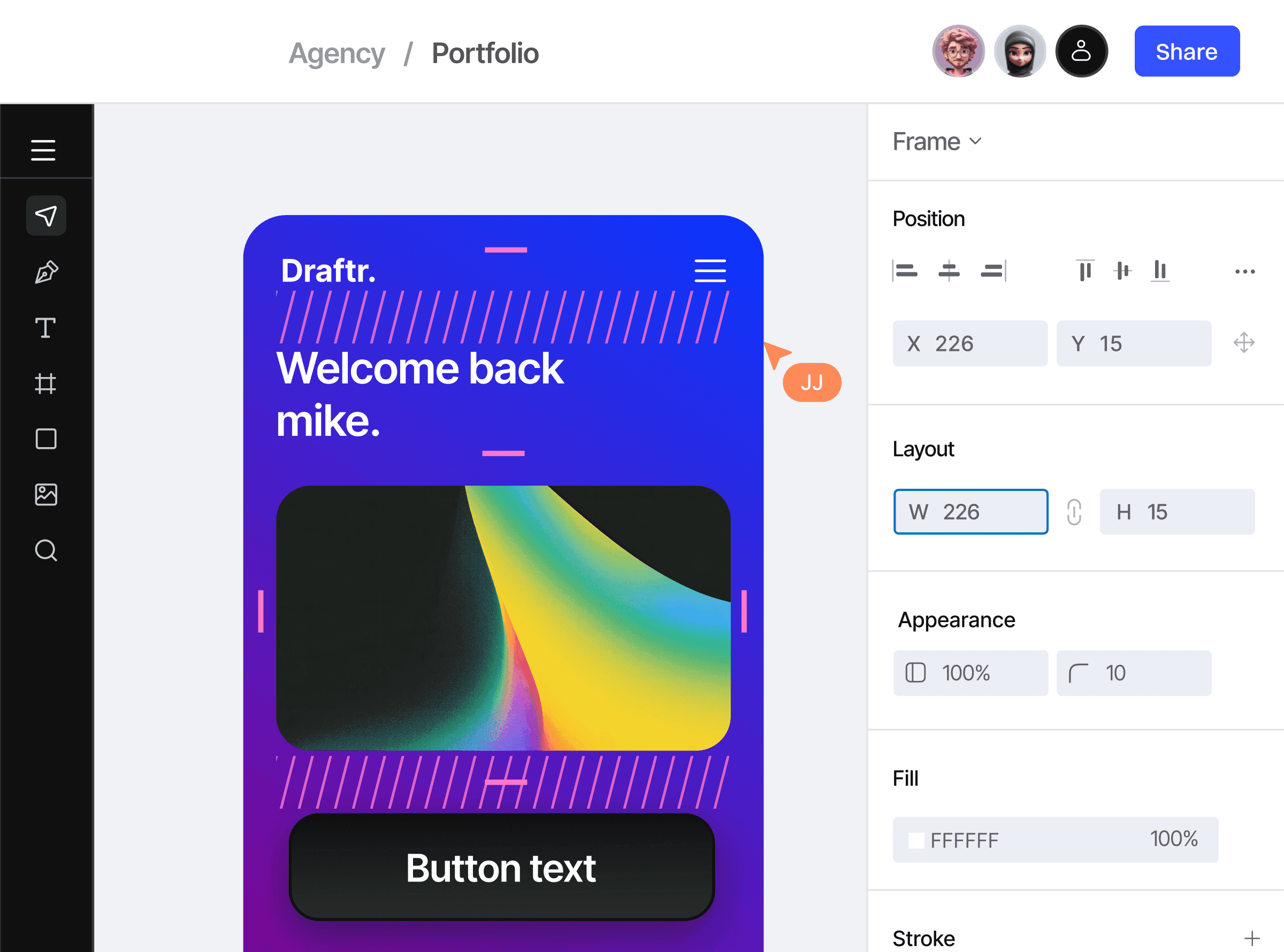
Automatically clean spacing, alignment, and structure as designs evolve, keeping layouts consistent without manual rework.

Auto spacing
Detects uneven gaps and adjusts spacing to keep layouts clean and balanced.

Smart conversion
Turns static frames into structured Auto Layout without breaking your design.

Play video
Play video

Consistent layouts
Keeps alignment and structure consistent across screens as content changes.

Workflow friendly
Assists when needed and stays out of the way when you don’t.
Clean layouts by default, not by constant fixing.
Designed for real team workflows

Review by 356 users worldwide

Maya Zong
Product Designer, Pixio
We spend less time fixing layouts 🚀 and more time shipping.

Daniel Perez
Frontend Developer, Coden
Auto Layout saved us a lot of cleanup time. Layout changes finally behave the way you expect.

Andre Lewis
Operations Lead, Teamly
Permissions are simple and easy to manage, even with a growing team
View all Reviews
Ethan Miller
UI Designer, Bright
Handoff is clear and predictable now. Developers don’t have to guess spacing or styles anymore. Real-time collaboration made reviews smoother and faster.

Laura Kim
Engineering Lead, Flow
Draftr feels focused 🎯 no clutter.

Kevin Brooks
Startup Founder, Launch
We reduced tool switching and that alone made the team faster.

Hannah Lee
UI Designer, Novaa
Version history gives us confidence to experiment without fear.

Priya Shah
Product Manager, Workly
Everything lives in one place now. That alone changed how we work.

Sofia Martinez
Product Manager, Collab
Real-time collaboration made reviews smoother and faster.
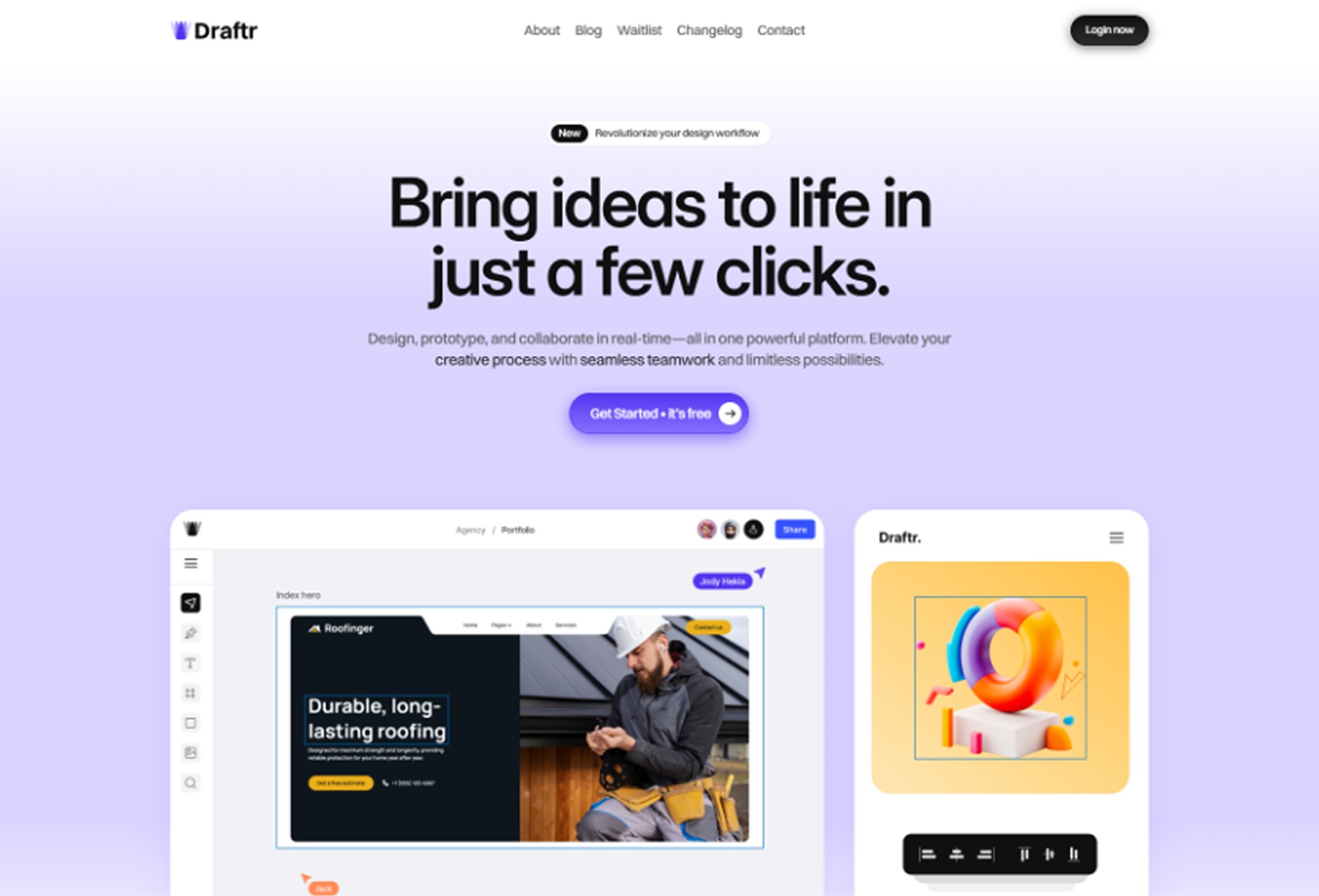
Built for modern design workflows
Replace multiple design tools with one focused platform
Reduce review cycles and feedback delays
Keep design, prototyping, and delivery aligned
Scale smoothly from solo work to team collaboration


